
Start your learning in SOSvirtual
Follow a simple path to find the courses available for your country, access the platform and continue your learning activities.
Choose the right path for you
Select the option that matches your access and follow the recommended steps.
Access your courses with your organisational account
Follow this path if you have an SOS Children's Villages organisational email account.

Select your country
From the home page, find your country on the map or choose it from the list.

Explore the available courses.
We will direct you to the course catalogue for your country.

Go to the platform
Access directly with your organisational credentials.

Continue with your course activities
Access the content, progress through the activities and review your notifications in your learning space.
Continue your learning
If you are already enrolled in a course and want to continue your learning, simply go to the platform.
- Mantente al día revisando tus actividades y recordatorios.
- Access from different devices and continue your progress with greater flexibility.
- If you need support, contact the help desk through the available channels.
Go to the platform and resume your learning from your courses section.
Go to the platformNeed help?
Check your notifications within the platform or contact the help desk when you need support.
Help Center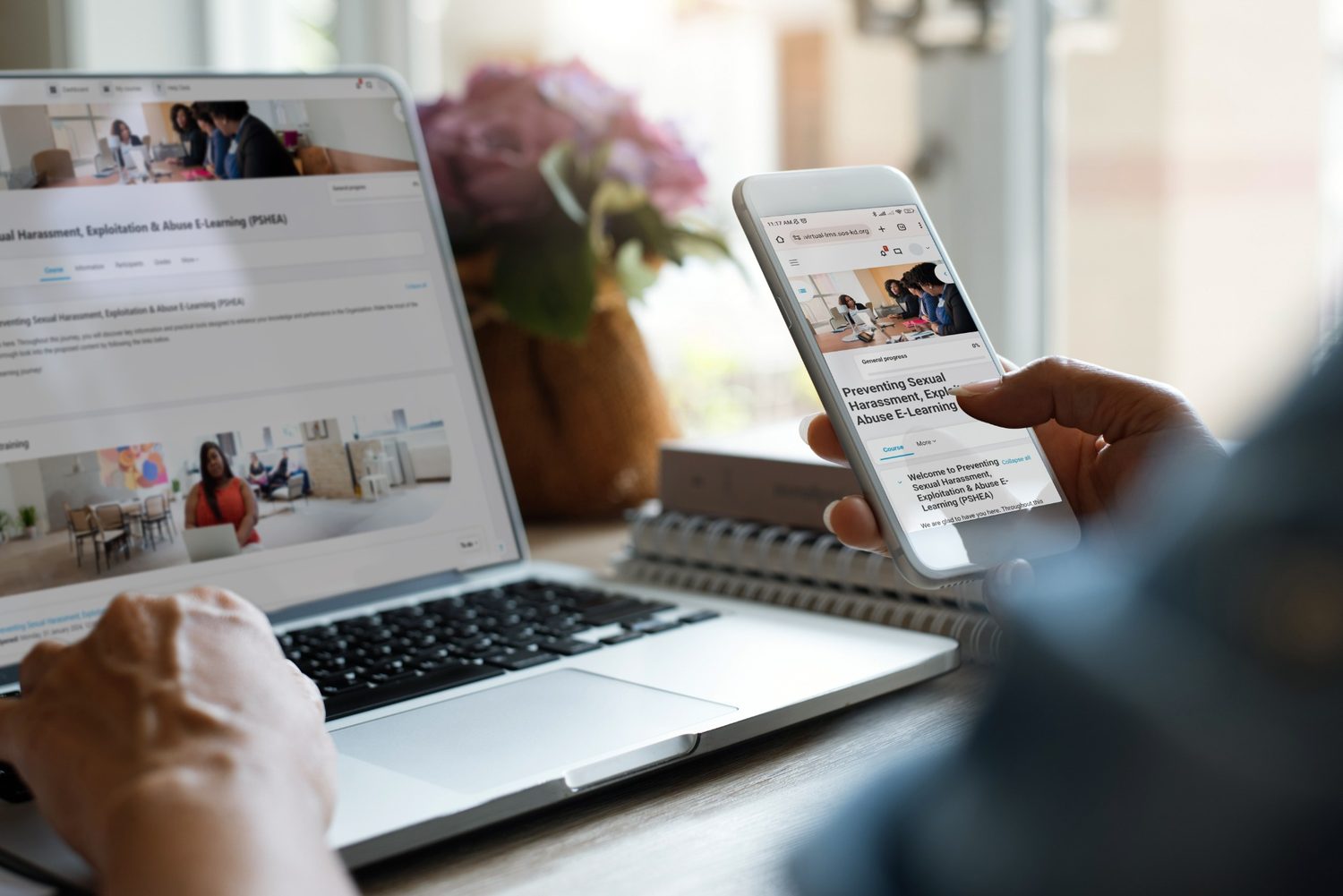
Frequently asked questions
Quick answers to guide you before you start or while you continue your courses.
Where do I start if this is my first time on SOSvirtual?
Start by selecting your country from the home page. You can find it on the map or choose it from the list.
Do I need an organisational account to sign in?

Yes. This path is designed for people who have an SOS Children's Villages organisational email and access with their institutional credentials.
Where do I find the courses available to me?
After selecting your country, we will direct you to the course catalogue for your country.
Can I go directly to the platform?
Yes. If you are already enrolled or want to continue your courses, you can go directly to the platform with your organisational credentials.
Can I continue my course from my mobile phone?

Yes. You can access your courses from different devices and continue your progress with greater flexibility.
What should I do if I have access problems?
Contact the help desk for guidance. Include as much information as possible about the issue.
- Name of the course or activity.
- Country from which you are accessing.
- Screenshot or description of the error.